Credential status and revocation
A credential is signed once and then lives in the holder's wallet. If the credential later becomes untrue, for example because an employee leaves or a registration is withdrawn, you cannot take it back. A credential status list solves this. The wallet publishes a list that verifiers check while verifying a credential, and you flip an entry on that list when a credential should no longer be accepted.
Revocation therefore requires two things:
- A status list configured in this wallet.
- A credential template that is linked to that status list, before the credential is issued.
Only credentials issued while the template was linked to a status list can be revoked. Existing credentials issued without a status list stay valid forever and show no revoke action.
How to access
- Open the left sidebar.
- Click Settings.
- Under Issuer, click Credential status.
Status lists overview
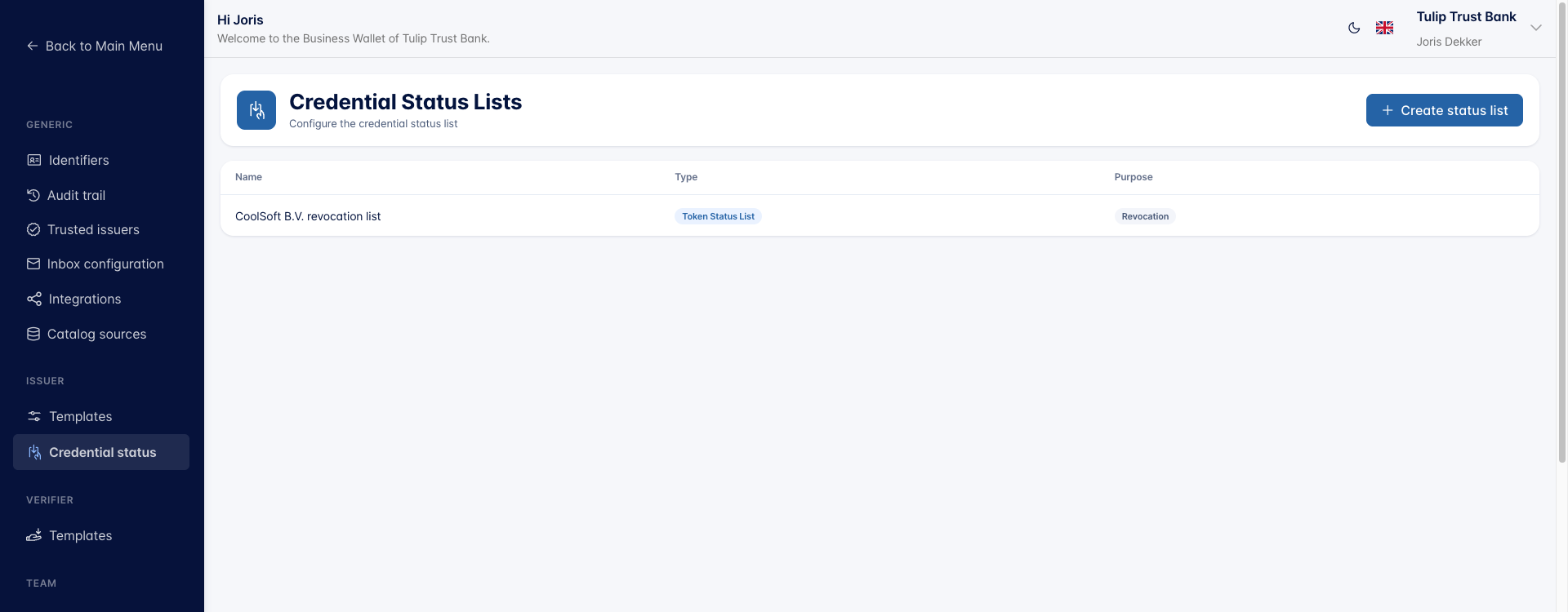
The Credential Status Lists screen lists every status list configured for this wallet, with its Name, Type, and Purpose. Click a row to open and edit a list.
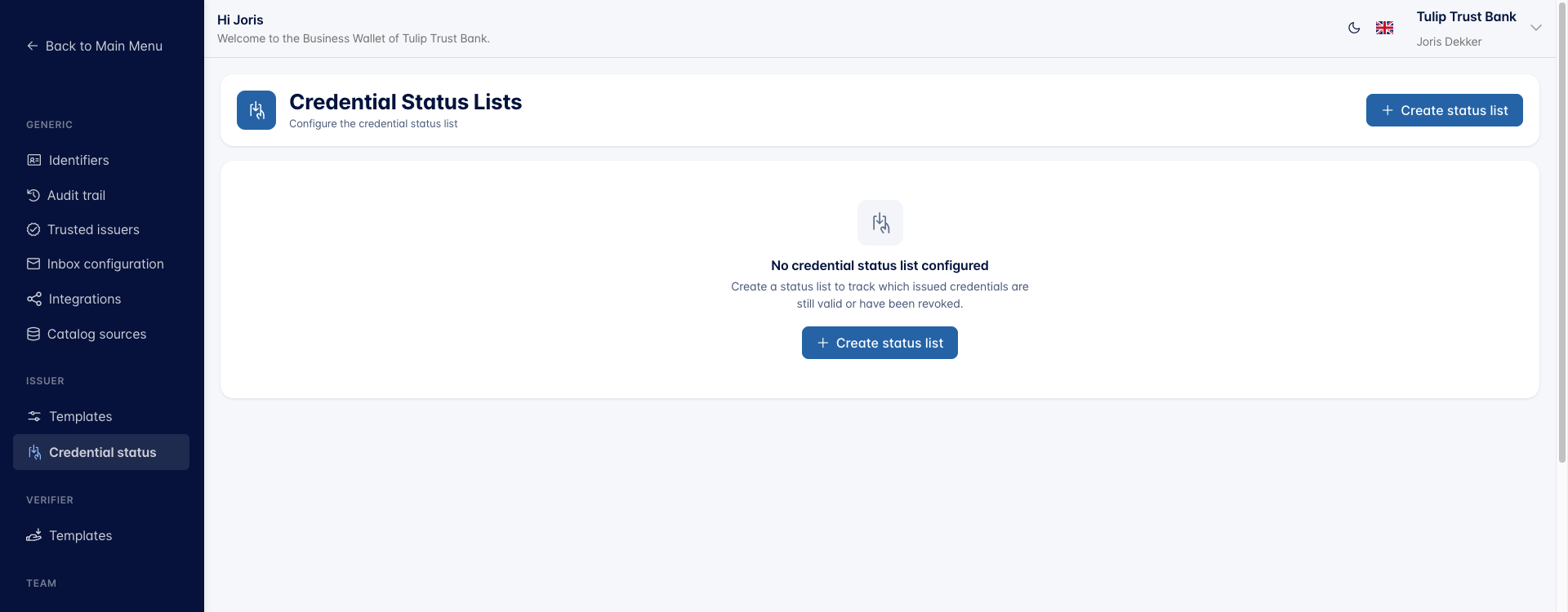
As long as no list is configured, the screen shows an empty state with a Create status list button.
Create a status list
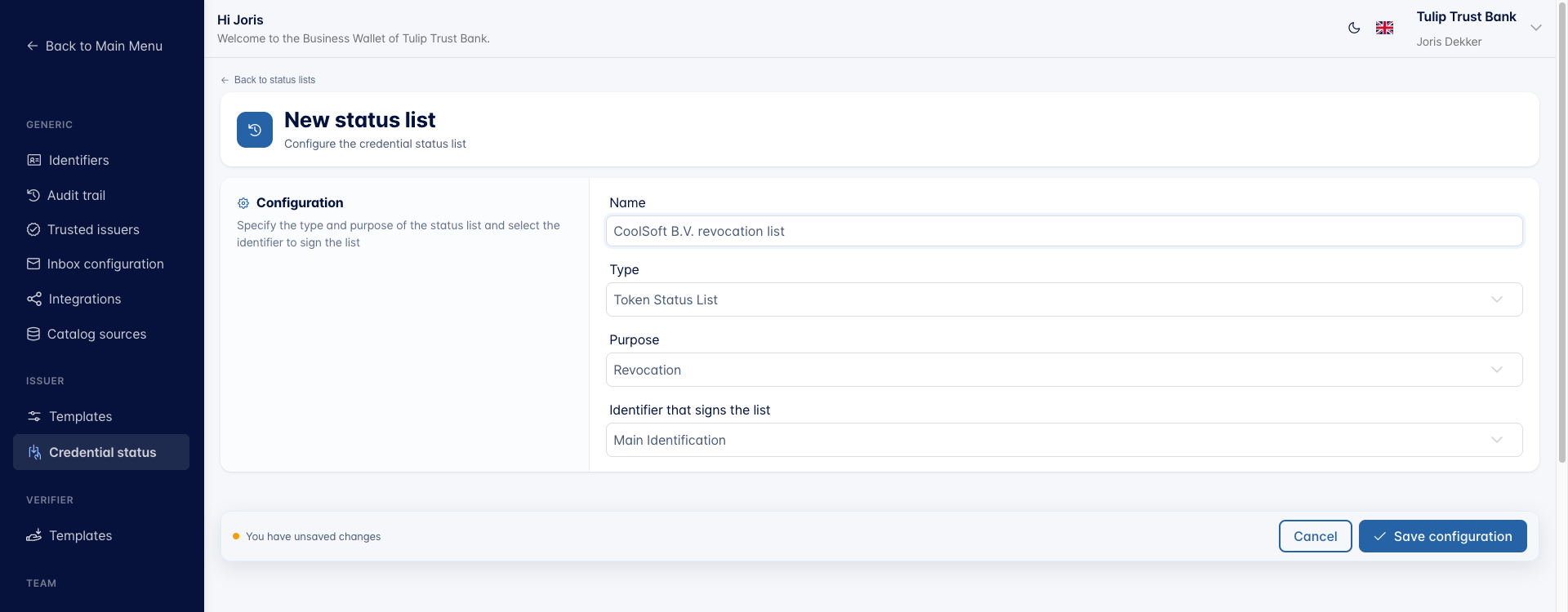
- Click Create status list.
- Enter a Name, a logical name so you can recognise the list later.
- Choose the Type of list.
- Choose the Purpose of the list.
- Choose the Identifier that signs the list.
- Click Save configuration.
Key elements:
- Type: the status list format published to verifiers. Choose Token Status List or Status List 2021, see Choosing a status list type below.
- Purpose: Revocation for a permanent withdrawal, or Suspension for a status that can be lifted again.
- Identifier that signs the list: the identifier of this wallet whose key signs the published list. Verifiers use it to confirm the list really comes from you.
Choosing a status list type
Both types work the same way. The wallet publishes one compressed list at a public URL, every issued credential points at that list plus its own position in it, and a verifier fetches the list and reads the entry at that position. They differ in the format of the published list and in which specification defines it, so the choice depends on what the wallets and verifiers in your ecosystem support.
| Token Status List | Status List 2021 | |
|---|---|---|
| Specification | OAuth Status List (IETF) | Status List 2021 (W3C CCG) |
| Published as | A signed JWT containing a status_list object | A verifiable credential with a StatusList2021 credential subject |
| Reference in the credential | A status_list entry with the list uri and the index idx | A credentialStatus entry with the list URL and the index |
| Entry size | 1 bit for revocation, 2 bits for suspension | 1 bit |
Token Status List is the newer of the two and is the format used by SD-JWT VC and the interoperability profiles built on it, such as DIIP and HAIP. Choose it unless you have a reason not to.
Status List 2021 is the older W3C Credentials Community Group format, used by ecosystems built around W3C JSON-LD verifiable credentials. Choose it when you issue to verifiers that expect that format. Note that its successor at W3C is Bitstring Status List, which the Business Wallet does not offer.
You need the Status list (Change) permission to create or edit status lists.
Link a status list to a credential template
A status list does nothing until a credential template uses it.
- Go to Settings → Templates under Issuer.
- Open the issuer template and then the credential template you want to make revocable.
- Open the Status tab.
- Select the credential status list.
- Click Save configuration.
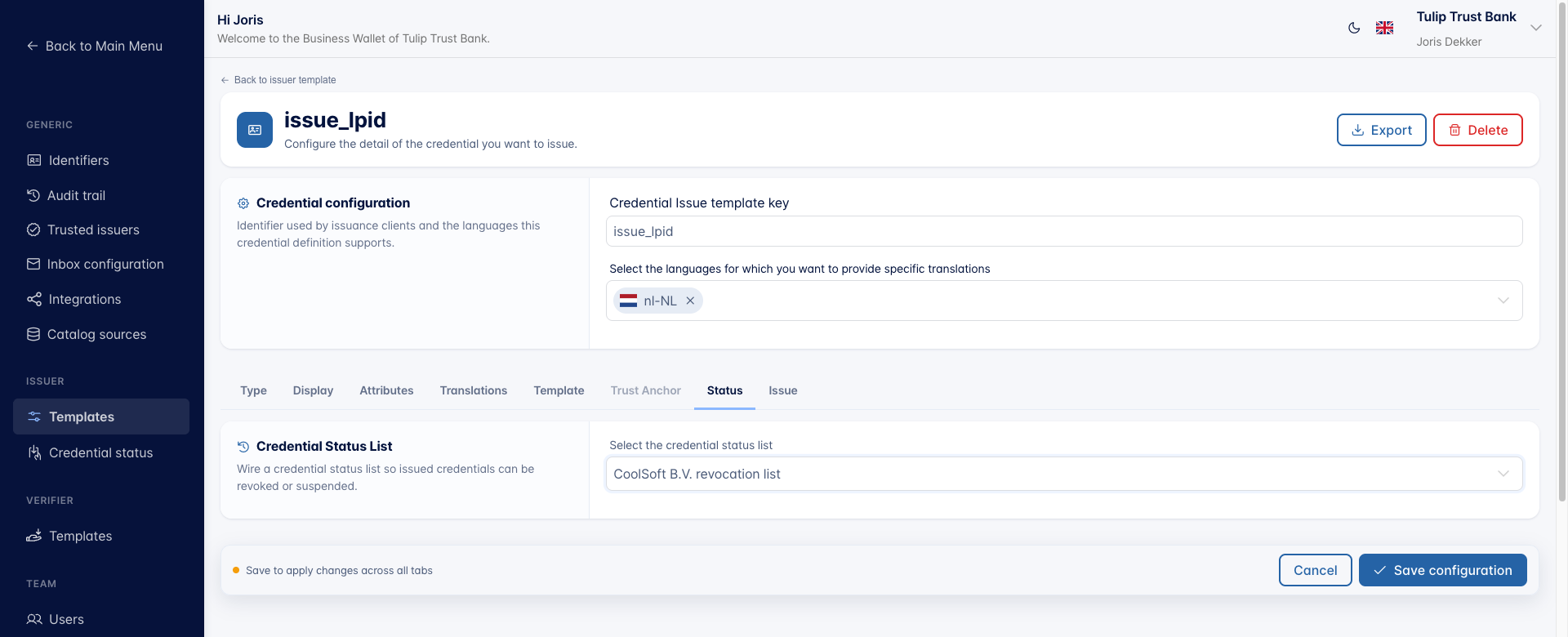
Every credential issued from this template from now on carries a reference to the list, so its status can be changed later. See also Create Credential Template.
Revoke an issued credential
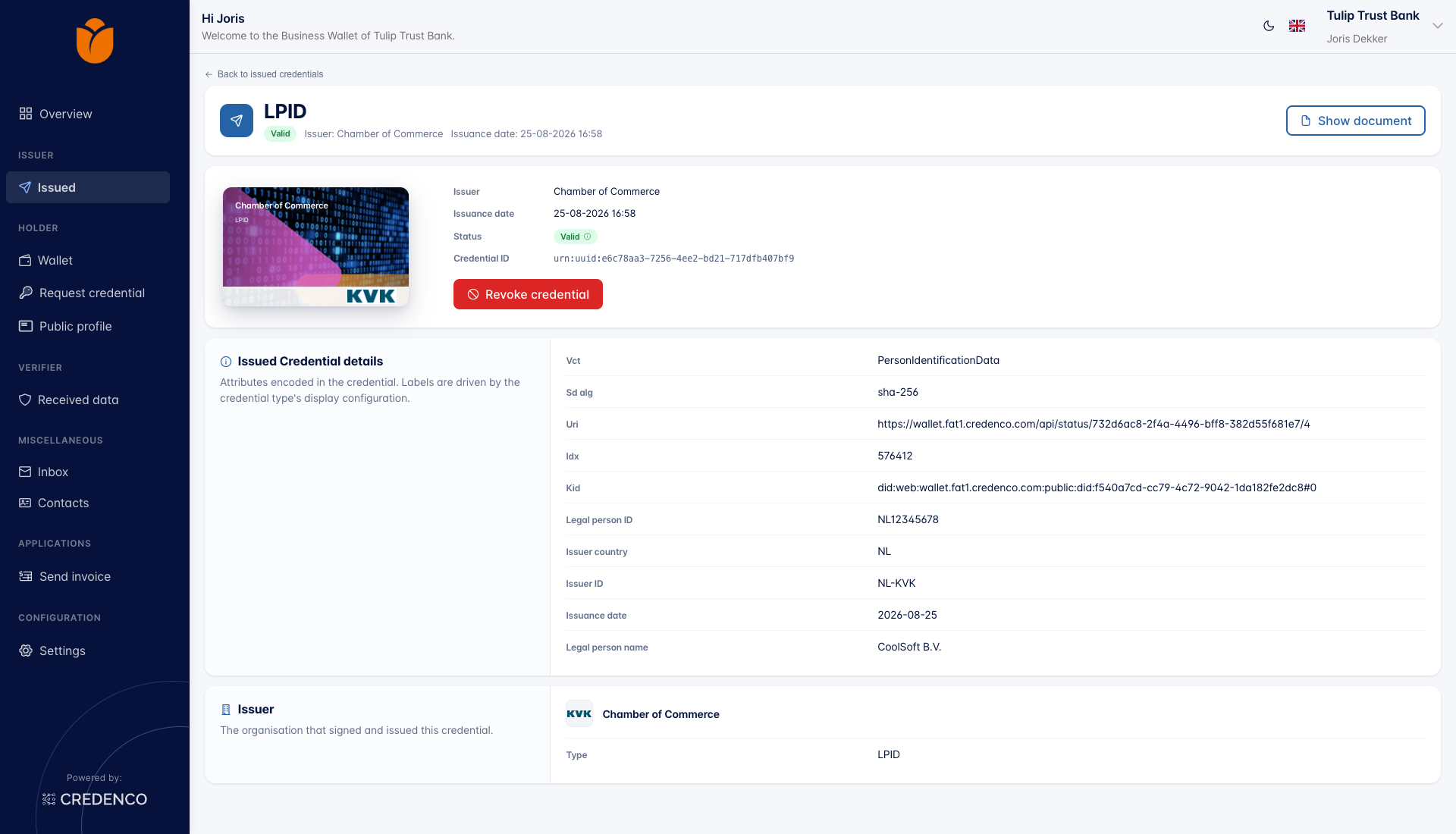
- Open Issued in the left sidebar under Issuer.
- Click the credential you want to revoke.
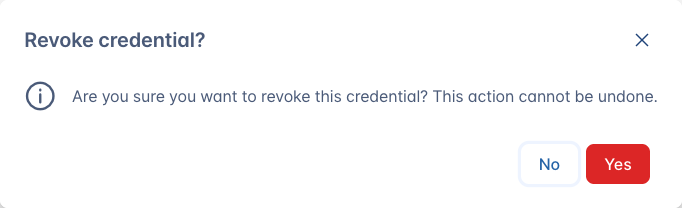
- Click Revoke credential.
- Confirm with Yes.
The confirmation dialog warns that the action cannot be undone.
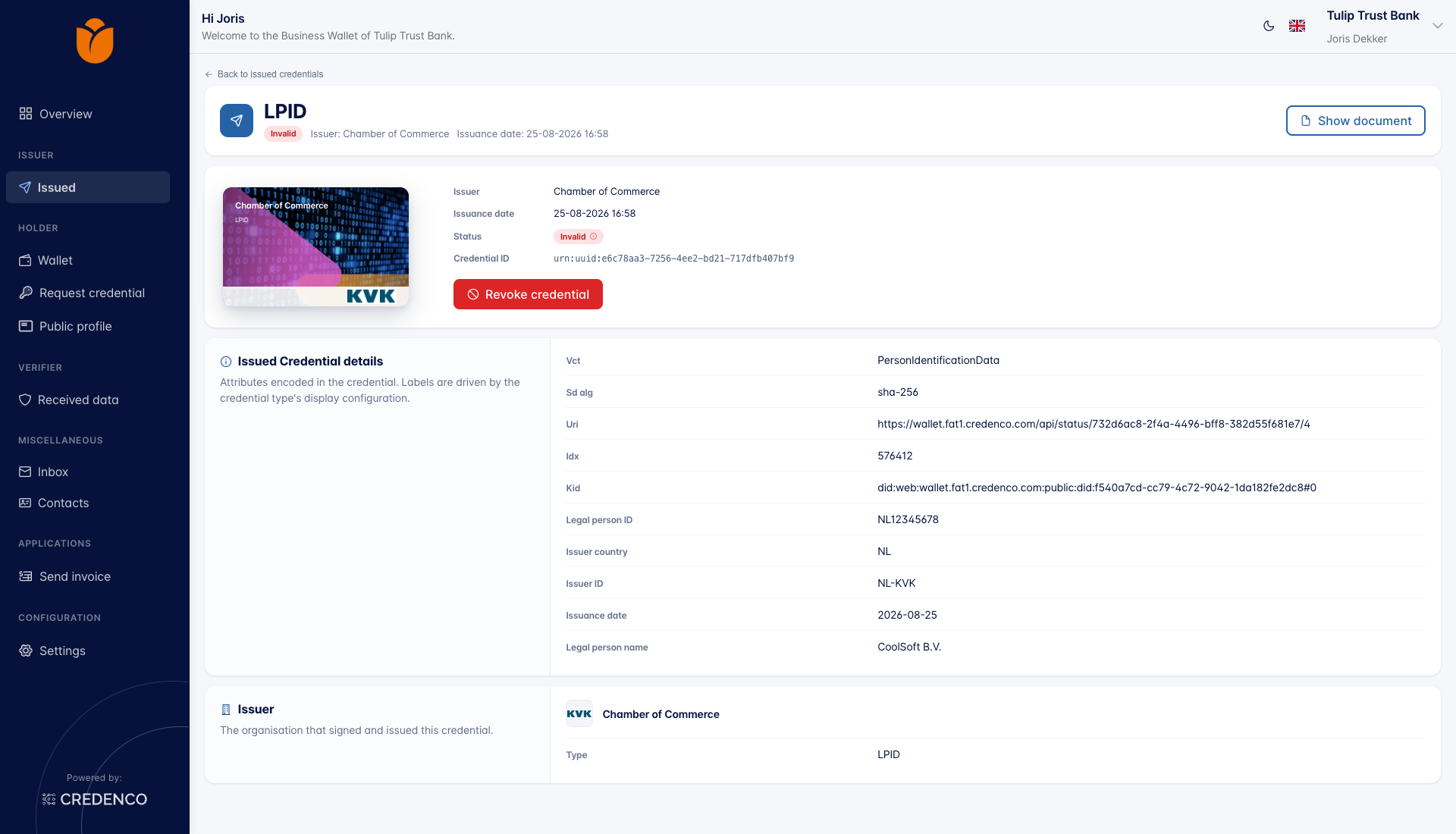
After revoking, the credential's Status changes from Valid to Invalid.
You need the Issue credentials (Change) permission to revoke a credential.
Revoke from your backend
Revocation is also available through the API.
When you issue a credential from a template that is linked to a status list, the issue response contains a revocation_uuid. Store it together with your own administration, because it is the handle you need later.
To revoke the credential, call:
POST /api/credential/revoke/{revocationUuid}
A 200 response means the credential was revoked. A 404 means no credential was found for that UUID.
See the Revoke Credential API reference for the full specification.
What the holder and verifier see
- The credential stays in the holder's wallet. Revoking does not delete it.
- A verifier that checks the credential against the published status list sees that it is no longer valid and rejects it.
Notes and limitations
- A credential can only be revoked if it was issued with a status list linked to its template. For credentials without one, the Revoke credential action is not shown.
- Revocation cannot be undone. Use a status list with purpose Suspension if you need a status that can be lifted again.
- Each status list is signed by one identifier. If that identifier is removed or its key is replaced, verifiers can no longer validate the published list.